Top APIs for Emission Data Integration

Top APIs for Emission Data Integration
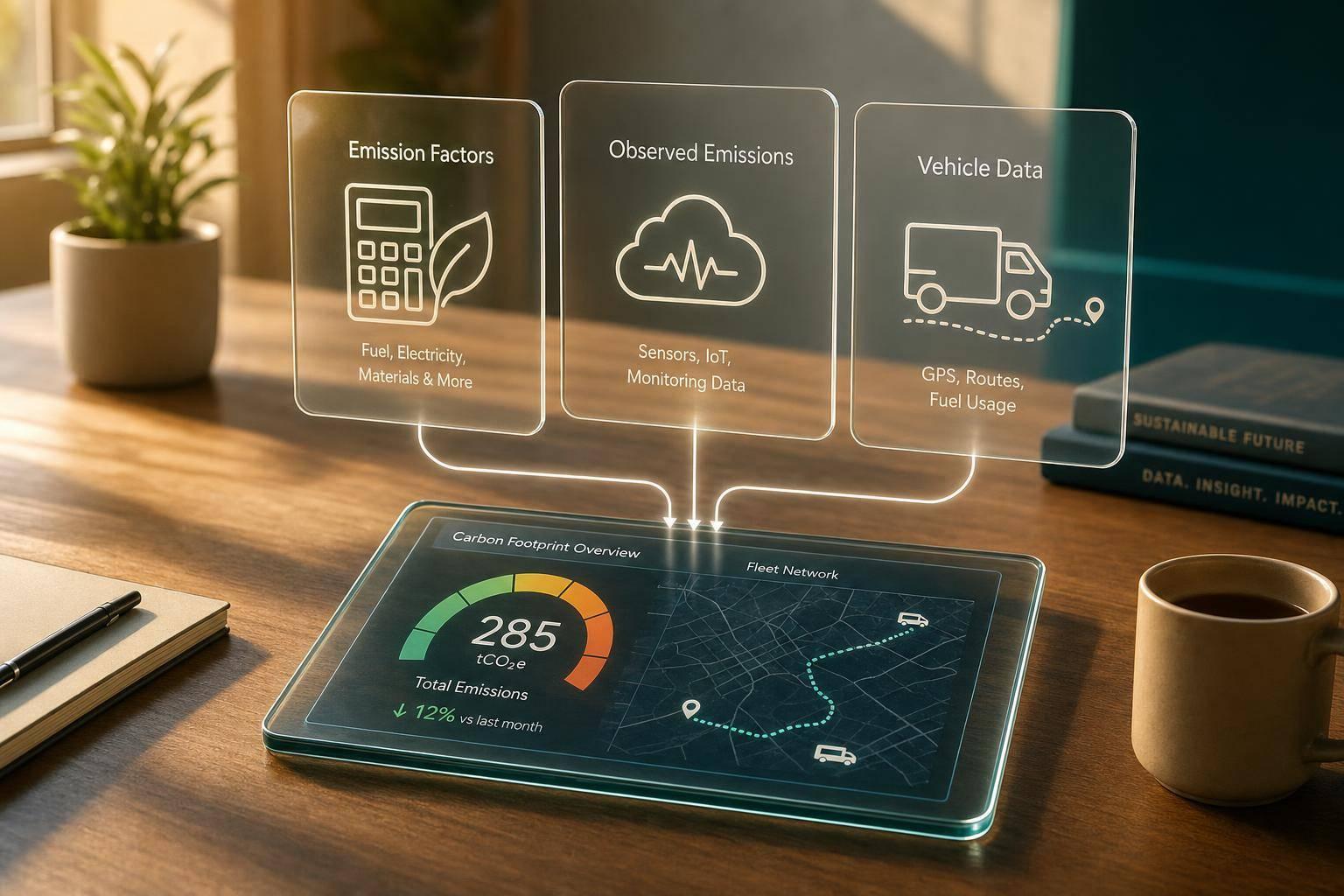
If I had to sum it up in one line: use an emission factor API for carbon calculations, use observed-emissions data for context, and use CarsXE to clean vehicle inputs before you calculate anything.
Here’s the short version:
- Emission factor APIs turn business activity like miles, gallons, and kWh into kg CO2e
- Observed-emissions APIs show measured or modeled emissions by source, sector, or grid
- For reporting, I’d look for versioned factors, source metadata, region support, and JSON outputs with the method and dataset name
- The main tools covered here are Climatiq, OpenCO2 API / CO2API, Climate TRACE, Nowtricity, and CarsXE
- Climatiq stands out for broad factor coverage: 1,000,000+ factors, 300+ regions, and 16+ sectors
- Climate TRACE tracks emissions from 744 million+ sources across 10 sectors
- CarsXE helps with vehicle workflows by turning a VIN or plate into fields like fuel type, body style, year, engine size, and state
If you’re picking an API stack, I’d keep it simple:
- CarsXE for vehicle records
- A factor API for trip, fuel, freight, or electricity calculations
- An observed dataset to compare modeled numbers against outside data
Make your first carbon calculation with Climatiq's Estimate API
sbb-itb-9525efd
Quick Comparison
Top Emission Data APIs Compared: Features, Use Cases & Key Stats
API / Tool Main Job Best Fit Key Data Point Watch For Climatiq Emission factor calculations Scope 1, 2, and 3 reporting 1,000,000+ factors Some datasets need extra licenses OpenCO2 API / CO2API Category-based factor lookup Simple direct calculations Focused category model Narrower scope Climate TRACE Observed emissions data Benchmarking and source-level context 744 million+ sources Not for per-trip estimates Nowtricity Live electricity emissions Grid dashboards and live power data Country-level live signals Not built for formal reporting math CarsXE Vehicle data input cleanup VIN/plate-based vehicle workflows VIN and plate decoding Values may need mapping before calculation
What matters most is not just the final CO2e number. I’d want the API to return the factor used, source year, region, method, and unit so the result can be checked later.
That’s the core takeaway from this article.
How to evaluate emission data APIs
Not all emission APIs are built the same. Before you compare vendors, cut out any tool that can't support audit-ready reporting.
Here's the plain test: some APIs give you a single emissions number and call it a day. A production-ready API gives you the number plus the factor, source, region, and method behind it. That's the difference between a nice-looking output and something your team can defend during a review.
Data quality, standards, and auditability
Start with standards support. The API should line up with recognized frameworks like the GHG Protocol, ISO 14083, or EN 16258. It should also pull factors from trusted sources such as the U.S. EPA, UK DEFRA, the IPCC, or the GLEC Framework.
One detail that trips teams up: IPCC version matters. GWP values change from one assessment report to another, which affects audit consistency. For Scope 2 electricity, the API should support both location-based and market-based reporting.
Versioning is another must-have. Keep this rule simple: the API needs to let you pin calculations to a specific data year. If you can't do that, historical reports can drift over time, and that's a mess nobody wants.
A production-ready response should return the dataset name, source year, region, method, and compliance metadata. If fields like methodology or source_trail are missing, the API isn't audit-ready[2].
Integration requirements for production systems
On the technical side, look for RESTful design, clear error codes, and official SDKs. Standard HTTP status codes such as 400, 401, 429, and 500 should be documented and used in a consistent way. Rate-limit headers like X-RateLimit-Remaining also matter because they help production systems manage usage without guesswork[2][1].
Unit handling is easy to overlook, but it matters a lot in practice. The API should support both imperial and metric units out of the box so your team doesn't have to rely on manual conversions. Low latency also matters for live workflows like routing, checkout, and dispatch.
The table below sums up the integration details worth checking before you put any API into production.
Parameter Why It Matters Example data_version Locks calculations to a specific reporting period 2025 region Returns localized factors (e.g., eGRID subregion) US-CA or GB source_trail Provides metadata auditors need DEFRA 2025, EPA eGRID 2023 constituent_gases Breaks CO2e into CO2, CH4, N2O ch4: 0.002 Unit support Handles imperial and metric inputs natively miles, short tons, pounds
Use these checks to compare the APIs in the next section.
Top APIs for emission factor integration
With your criteria set, the next step is simple: see how the top emission factor APIs hold up in day-to-day use.
Climatiq
Climatiq offers a carbon calculation API with more than 1,000,000 emission factors across 300+ regions and 16+ economic sectors. That includes U.S. data sources such as the EPA GHG Emission Factors Hub and EPA eGRID [4][5][6].
For transport and fleet work, Climatiq’s Intermodal Freight API covers air, road, rail, and sea in a single call, and it is ISO 14083-compliant [5]. That can save a lot of back-and-forth if you’re dealing with mixed shipping modes.
One feature that stands out is the Mapping Agent. It uses AI to match free-text inputs like invoice line descriptions or product names to the right emission factor [5]. If your input data is messy - and let’s be honest, it often is - that can make setup much less painful.
The free tier includes 250 API calls per month for testing. Paid plans are needed for production use and access to raw factor data [5]. Some premium sources, including ecoinvent, IEA, and Carbon Minds, also need separate licensing on top of the base subscription [6].
If you just need a simpler category-based factor lookup, OpenCO2 API is the lighter choice.
OpenCO2 API and CO2API
For teams that want a narrower workflow, OpenCO2 API keeps things simple. It focuses on category-based emission factors for direct calculations, with pricing that scales based on the factor categories you choose [3].
Its categories include:
- car
- waste
- freight traffic
That makes it a practical fit for teams that need straightforward factor retrieval without the extra layers of a full carbon accounting platform [3].
Observed emissions and climate data APIs
Some APIs do more than return emissions factors. They show emissions as measured or modeled signals, which gives you context that factor data alone can't provide.
Observed-emissions APIs pull from satellites, sensors, and utility data to show how much is being emitted and where those emissions are happening. That makes them useful for benchmarking, sector analysis, and reporting context. They are not built for per-activity footprint calculations.
Climate TRACE
Climate TRACE tracks emissions from more than 744 million sources across 10 industrial sectors and 67 sub-sectors, with data going back to 2015 [8].
For organizations, this can help as a reality check. If you already have internal modeled estimates, Climate TRACE gives you a way to compare those estimates against measured or modeled signals from outside your own system. It reports CO2, CH4, N2O, and CO2e over both 100-year and 20-year horizons [8].
That said, it should not be used as a direct factor for single trips or other activity-level estimates. It does not map cleanly to one trip or a single asset-level activity input [8].
The Climate TRACE API is available via oanor. It includes a free tier with 3,200 calls/month, and paid plans start at $8/month for 62,000 calls/month [8].
For live grid signals, you’ll want a different type of API.
Hyperlocal emissions and concentration APIs
Nowtricity focuses on live electricity-emissions monitoring. It provides live country-level electricity-emissions data using submissions sent directly from energy companies [7].
This type of live grid-emissions API works well for operational dashboards. It does not fit compliance calculations in the same way. The Nowtricity API is free to use, though it requires an API key and link-back attribution [7].
The two API types below serve different reporting needs.
Feature Observed-emissions APIs Hyperlocal/Live Monitoring APIs Data Type Independent GHG inventory (tonnes) [8] Live emissions/concentration (g CO2eq/kWh) [7] Spatial Scope Global, country, and asset-level [8] Country or grid-specific [7] Temporal Resolution Annual/historical (2015–2024) [8] Real-time, hourly, or last 24 hours [7] Data Source Satellites, sensors, and AI [8] Energy company submissions and live grid data [7]
Use observed-emissions APIs alongside factor APIs, not in place of them. And if you're building vehicle-specific workflows, you'll still need both emissions data and clean vehicle records.
Using CarsXE with emission APIs and final recommendations
How CarsXE supports vehicle emissions workflows
For transport emissions, everything starts with a clean vehicle record. That's the base layer. CarsXE provides the vehicle data needed to make those calculations work.
A common workflow begins with a VIN or license plate. CarsXE's VIN Decoder and License Plate Decoder API return structured fields such as year, fuel_type, engine_size, body_style, and location - at the state level for U.S. and Canadian vehicles [9][10]. You can then send those fields to an emission factor API to get a CO2e result.
Before you do that, normalize the CarsXE values. CarsXE returns human-readable values. For example, it may return fuel_type: "Gasoline", while an emissions API may expect a technical identifier like petrol. Here's the mapping that matters most:
CarsXE Field Example Value Emission API Parameter Mapped Value fuel_type Gasoline fuel_type petrol body_style Sedan transport_mode / vehicle_type car location CA region / state California
This step matters even more when emissions change by location. For EVs, pass the vehicle's state into the emissions calculator so grid intensity reflects local conditions.
One practical tip: use the VIN returned by CarsXE's plate decoder as the persistent key for that vehicle across your system. That helps keep your audit trail consistent and makes it much easier to trace any calculation back to the source vehicle record [9][10].
Conclusion: Choosing the right API stack
Once the vehicle data is normalized, the rest of the stack gets much simpler. Use vehicle data to normalize inputs, factor APIs to calculate emissions, and observed datasets to check the result.
Apply the same versioning, unit handling, and source-trail rules described above.
Pick the stack that keeps vehicle data, factor data, and audit fields cleanly separated.
FAQs
Which API type do I need?
The API type you choose comes down to what you're trying to do.
If you want direct access to raw emissions data from sources like the EPA or DEFRA, use an emission factor lookup API. That gives you the underlying factors, so you can build your own calculation engine on top of them.
If you'd rather send in activity data, like fuel use or mileage, and get back an automated CO2e estimate, go with a calculation-as-a-service API. It's a simpler path if you don't want to handle the math yourself.
Most teams use REST APIs because they're easy to plug in with standard HTTP requests. One small thing that trips people up: make sure your API key is set up for header-based authentication before you start testing.
What makes an emissions API audit-ready?
An emissions API is audit-ready when every number can be traced back to its source. That means each response should show a clear audit trail for every data point, including the emission factor used, the source dataset, the publication year, and the region it applies to.
Put simply, an auditor shouldn't have to guess where a figure came from. The API should make that trail easy to follow.
It also needs to line up with recognized standards like the GHG Protocol and ISO 14083. If a calculation meets those standards, the API should say so plainly. And version control matters too. Emission factors change over time, so the API needs to keep factors consistent, track updates, and make older versions easy to trace when someone reviews past reports.
How do I use VIN or plate data in emissions calculations?
Use VIN data with the CarsXE International VIN Decoder API to pull vehicle-specific details, including official CO₂ emissions in g/km. When you decode the VIN, you get the exact make, model, and year.
That makes it much easier to identify the vehicle’s emissions standard and pair it with broader emissions factor APIs for more accurate carbon accounting based on standardized test cycles and regional rules.
Related Blog Posts
- VIN Decoding for Emission Compliance Tracking
- Ultimate Guide to Emission Compliance APIs
- Global Emission Standards: Compliance Guide
- Global Emission Standards: What Developers Should Know