Best Practices for Contrast Adjustment in LPR

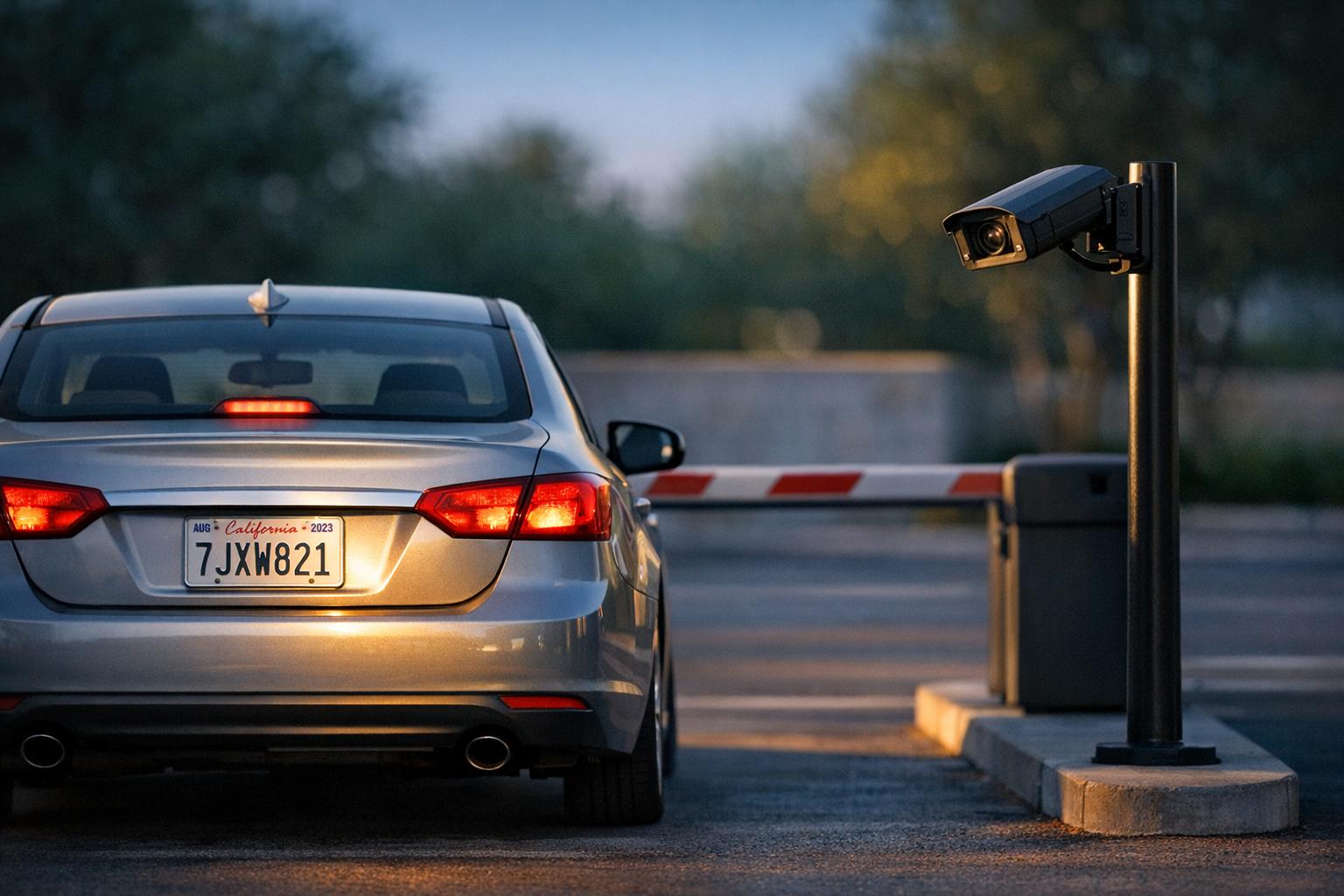
Best Practices for Contrast Adjustment in LPR
License Plate Recognition (LPR) systems depend on clear contrast to accurately identify characters on plates, especially in challenging conditions like low light or glare. Poor contrast can lead to errors, but with the right techniques, you can improve recognition accuracy significantly. Here's a quick overview:
- Key Techniques: Use tools like CLAHE and Unsharp Masking to improve clarity in low-light settings. Adjust camera settings such as shutter speed, contrast, and sharpness for different lighting conditions.
- Daytime Settings: Set shutter speed between 1/2,000s and 1/10,000s to reduce motion blur and overexposure. Disable Wide Dynamic Range (WDR) and fine-tune contrast and sharpness levels.
- Nighttime Adjustments: Combine noise reduction with local contrast improvements like CLAHE. Add edge sharpening to make characters more readable.
- Glare Management: Position cameras to minimize glare from headlights or sunlight. Use filters like gamma correction and 3D noise reduction for better clarity.
- Camera Placement: Mount cameras 10–15 feet high at angles of 18°–20° vertically and 5°–10° horizontally. Avoid extreme angles to maintain focus and reduce glare.
Testing under diverse conditions ensures consistent performance. Aim for a grayscale difference of at least 15 units and a resolution of 100–280 pixels per plate for reliable results. These steps help maintain accuracy across various environments and lighting scenarios.
How to Enhance a License Plate from Low-Light Video Evidence with Ikena Forensic
sbb-itb-9525efd
Why Contrast Adjustment Matters for LPR
Adjusting contrast plays a key role in license plate recognition (LPR) systems because it directly impacts how well characters stand out against the background. When contrast is low, noise becomes more noticeable, and the edges of characters can blur. This makes it harder for the system to accurately read the plate, especially in challenging conditions like low-light environments.
Low visibility and uneven lighting are common culprits behind poor contrast. In these situations, the reliability of the system can take a hit, increasing the chances of missed detections during critical monitoring tasks. When noise obscures the plate, using enhancement filters becomes essential before attempting recognition.
Poor contrast doesn’t just affect readability - it can undermine the entire detection process. If the system struggles to locate the license plate within an image due to low contrast, the overall precision and recall rates of the recognition pipeline drop. Techniques like adaptive histogram equalization, such as CLAHE, help by balancing bright and shadowed areas, making it easier to localize plates under tricky lighting conditions.
Improving contrast does more than just boost recognition accuracy; it also helps fine-tune camera positioning and system calibration. Contrast enhancement goes beyond simple brightness adjustments. It involves reducing noise, sharpening edges, and improving clarity. This comprehensive approach ensures LPR systems remain reliable, even when environmental conditions are less than ideal.
Contrast Adjustment Techniques for Different Conditions
LPR Camera Settings Guide: Daylight vs Nighttime Optimization
Daylight Contrast Adjustment
When it comes to daylight settings, shutter speed plays a crucial role in controlling contrast. In bright conditions - like a clear day at noon - an LPR camera might need a shutter speed as high as 1/10,000th of a second to prevent overexposure and reduce motion blur for fast-moving vehicles. According to OpenALPR, shutter speed directly impacts how sharp a vehicle appears. For consistent results, stick to a fixed shutter speed of 1/2,000 s for slower vehicles and 1/4,000 s or higher for highway traffic.
To further fine-tune your setup:
- Set the camera's internal contrast to 60%–75% for better character definition.
- Adjust sharpness to 60–65% to enhance edges without creating unwanted artifacts.
- Maintain an exposure value of around 70% using automatic exposure control.
During daylight hours, disable Wide Dynamic Range (WDR) to reduce noise and ensure the Infrared (IR) cut filter is active. These settings help maintain clarity and minimize interference.
Nighttime Contrast Optimization
In low-light environments, achieving the right balance between gain settings and noise reduction is key. Using Contrast Limited Adaptive Histogram Equalization (CLAHE) can significantly improve local contrast in dark scenes. This technique avoids the "washed out" effect often caused by bright sources like headlights while revealing details in shadowed areas. A two-step process - combining local contrast enhancement with edge sharpening - has been particularly effective. [[3]](https://ijesty.org/index.php/ijesty/ article/view/1654)
To further enhance nighttime clarity:
- Apply Unsharp Masking after contrast adjustments to keep alphanumeric characters sharp and legible.
- Use 3D noise reduction before heavy contrast enhancement to minimize visual noise.
These steps ensure better visibility without sacrificing image quality.
Managing Glare and High-Contrast Scenes
Handling extreme lighting differences, such as headlight glare or sunlight reflecting off vehicles, requires careful adjustments. While WDR is designed to handle such scenarios, it can sometimes introduce noise that obscures character edges. For this reason, it's often best to leave WDR turned off. Instead, consider these strategies:
- Mount cameras higher and angle them downward to reduce solar glare.
- Use 3D noise reduction, homomorphic filtering, and gamma correction to enhance image clarity.
- Opt for a longer-range lens to capture more plate pixels and improve overall detail.
Camera Placement for Better Contrast
Where you place your camera is just as important as how you configure it. To avoid "shearing" effects - where license plates in farther lanes appear out of focus - position the camera as close to perpendicular to the target area as you can. As Arecont Vision explains:
The position of the camera is also critical; ideally the camera needs to be positioned so it is as dead on perpendicular to the target area as possible.
For best results, mount cameras 10–15 feet high, keeping the vertical angle between 18° and 20°, and the horizontal angle between 5° and 10°. Avoid capture angles exceeding 30° to 40°, as that can lead to glare and reduce image clarity.
Flat-glass box cameras are a better choice than dome cameras because domes can create a prismatic effect, which increases glare and lowers contrast. If you need to capture front plates, external IR illuminators can help reduce "hot spots" caused by reflective surfaces. However, capturing rear plates is often the better option, as it avoids headlight glare entirely.
To ensure clear plate recognition, aim for a resolution of 60 pixels per foot (196 pixels per meter). This is especially important in areas like Texas, where license plate characters are typically smaller. Always verify your setup by freezing the frame to confirm that plate characters are legible.
Once your camera placement is optimized, test and fine-tune your License Plate Recognition (LPR) system to ensure consistent performance.
Testing and Fine-Tuning Your LPR System
To ensure your License Plate Recognition (LPR) system works effectively, it's crucial to test it under conditions that reflect real-world scenarios. Start by using a vehicle with a clearly visible license plate in your target area. This helps you optimize image quality during the initial setup process. A freeze-frame of a moving vehicle can be particularly useful - if the license plate isn't legible to the human eye, it won't be readable by the software either.
Gather a diverse set of 20-40 snapshots to cover various scenarios, including low light, different angles, plate colors, and challenging weather conditions. While 20 snapshots may suffice as a baseline, collecting 40 or more generally leads to more reliable results when validating your system's accuracy. These varied images provide the foundation needed for fine-tuning your system.
Lock key manual settings like shutter speed, gain, and IR illumination to reduce the risk of noise caused by automatic adjustments. During motion tests, double-check that your chosen contrast and sharpness settings remain effective.
For a more objective approach to contrast validation, ensure the grayscale difference between the plate characters and their background is at least 15 units on an 8-bit scale. Additionally, aim for the license plate to be about 100 pixels wide to maintain reliable readability. If your system includes advanced features like identifying the vehicle's make, model, or state, using a vehicle data platform, aim for a pixel density of 120 pixels per foot for enhanced accuracy.
After setting these parameters, test your system under different lighting conditions to prepare for real-world variability. Keep in mind that settings optimized for daylight often fail under nighttime conditions. Test and fine-tune both daylight and nighttime modes separately, ensuring night mode is adjusted only when ambient light is minimal. Real-time feedback during testing is invaluable, as it allows you to tweak settings on the spot or set up scheduled profiles that automatically adjust based on changing conditions.
Conclusion
Optimizing contrast through careful adjustments and thorough testing is at the heart of effective License Plate Recognition (LPR) performance. A critical grayscale difference is key for accurate recognition, separating systems that struggle with inconsistent reads from those that perform reliably across diverse conditions.
The strategies discussed - ranging from daylight optimization to infrared management for nighttime and glare reduction - work together to maintain this crucial contrast level. Converting images to 8-bit grayscale ensures consistent performance validation, while minimizing noise and compression helps preserve character edges for better recognition accuracy. When paired with proper testing, these adjustments lead to dependable, high-quality results.
Strong system performance also relies on optimal camera placement and scenario-based testing using a variety of snapshots. Since lighting conditions can vary significantly, separate calibrations for day and night modes are essential to maintain accuracy. Settings that work for one environment often fall short in others, making tailored adjustments critical.
For developers and businesses, these techniques improve recognition accuracy and reduce false reads. By applying contrast enhancement filters to sharpen edges and de-blur images before they reach the recognition engine, you can boost confidence scores and capture data more reliably. This level of reliability becomes especially valuable when integrating LPR systems into broader workflows. For instance, platforms like CarsXE offer a vehicle data API suite that connects accurate plate reads with detailed, real-time vehicle information.
Regular fine-tuning is necessary to account for changes in the environment, such as seasonal lighting variations or landscape growth. Treating contrast optimization as an ongoing process ensures your LPR system continues to deliver consistent, high-quality results over time.
FAQs
How do I choose the right shutter speed for my site?
There aren't set rules for choosing the perfect shutter speed when it comes to license plate recognition or optimizing images. The appropriate shutter speed often varies based on factors such as the lighting in the area and how fast the vehicle is moving. However, no clear, universal guidelines are provided in the available information.
What’s the simplest way to reduce glare from headlights or sun?
The easiest way to cut down on glare from headlights or sunlight is to keep your windshield, side mirrors, and dashboard clean. Regular cleaning not only boosts visibility but also helps minimize glare, particularly during nighttime driving.
How can I confirm my contrast is “good enough” for LPR?
To make sure the contrast is strong enough for license plate recognition (LPR), focus on ensuring the characters in the images are clear and easy to read. Take a moment to compare the images before and after making adjustments to confirm there's a noticeable improvement.
Using methods like CLAHE (Contrast Limited Adaptive Histogram Equalization) can help improve visibility. Once adjustments are made, test the updated images with your LPR system. If the system consistently recognizes the plates correctly, it's a good sign that your contrast adjustments are effective.
Related Blog Posts
- How to Choose an OCR Engine for Vehicle Data
- Study: OCR Accuracy in Vehicle Data Processing
- AI Noise Reduction in License Plate OCR
- How Image Preprocessing Improves License Plate Recognition