Checklist for Implementing License Plate Streaming APIs

Checklist for Implementing License Plate Streaming APIs
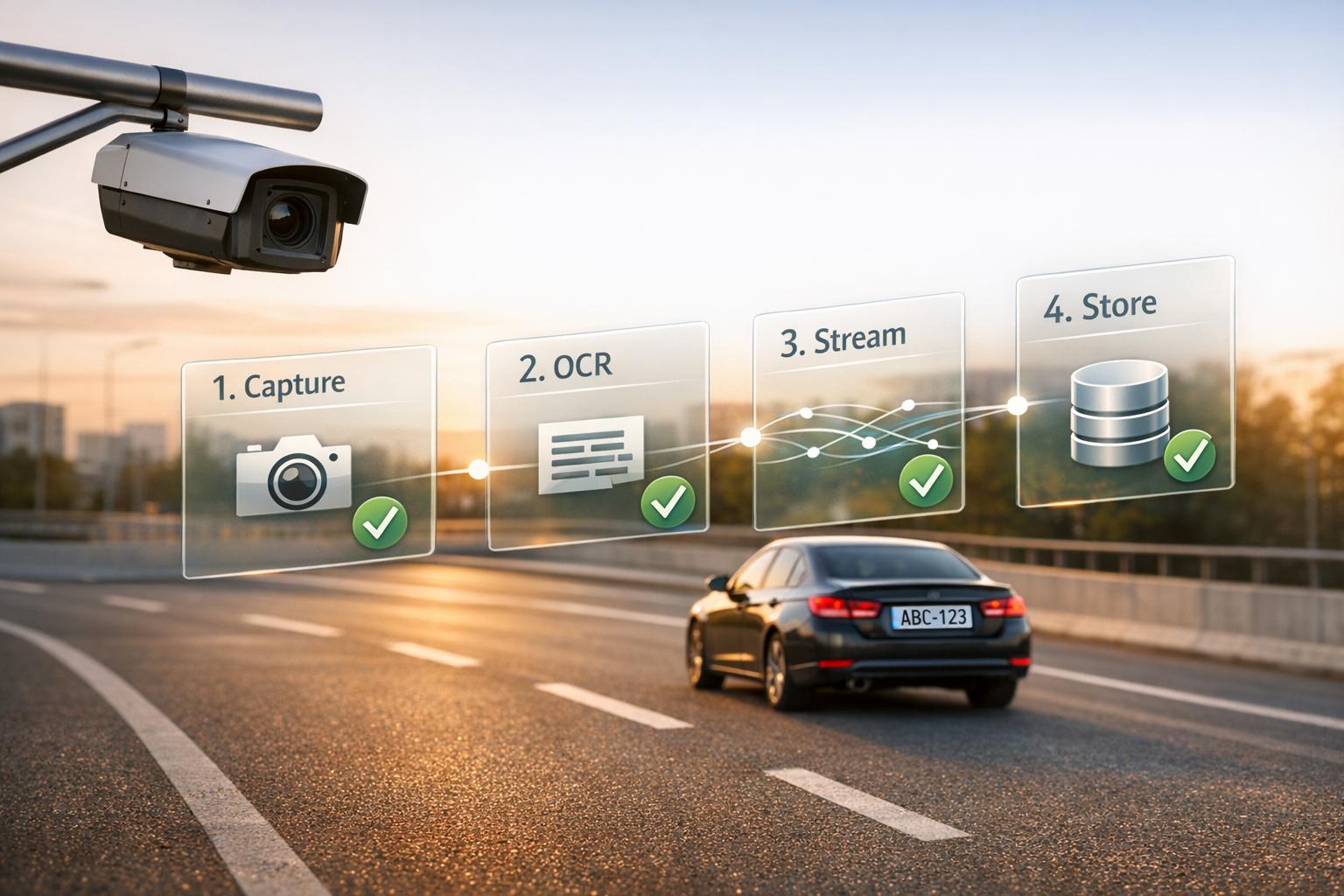
License plate streaming APIs analyze live video feeds to identify and extract license plate details in real time. They connect directly to RTSP camera feeds, process video frames, and use OCR to detect plates, delivering JSON data and images via webhooks. These APIs are ideal for parking systems, law enforcement, fleet management, and more.
Here’s what you need to know to implement them:
- Understand the API: Review documentation for authentication methods, key parameters (
regions,sample,detection_mode), and webhook settings. - Prepare Your Setup: Ensure your hardware (e.g., CPU, camera resolution) meets the system's demands. Use high-quality cameras with sufficient pixels on the plate for accuracy.
- Regional Standards: Adapt to country-specific plate formats and data requirements.
- Integration: Secure authentication, configure RTSP endpoints, and handle disconnections with retry strategies.
- Error Handling: Validate API responses, monitor confidence scores, and manage exceptions effectively.
- Data Storage: Use scalable databases for plate data and object storage for images. Implement retention policies to comply with local laws.
- Testing and Deployment: Test OCR under various conditions, simulate different scenarios, and monitor performance metrics like health scores and buffered frames.
For a reliable solution, CarsXE offers a license plate streaming API with fast response times, global coverage, and flexible pricing starting at $0.01 per decode. Their SDKs and tools simplify integration, making it easier for developers to deploy license plate recognition in real-time applications.
7-Step Checklist for Implementing License Plate Streaming APIs
Preparation and Initial Setup
Review API Documentation
Start by diving into the API documentation to understand how authentication works. Most license plate APIs require an API key, which is typically passed as a query parameter or included in the request header. Pay attention to mandatory fields like the key for authentication and the body or upload_url for providing the image source.
Take note of key JSON fields such as:
success(a boolean indicating request success),results(an array of detected plates),- Confidence scores, and
- Bounding box coordinates.
Familiarizing yourself with these fields early on can help you avoid confusion during development.
For streaming setups, review parameters like:
regions(to focus on specific states or countries),samplerate (frames analyzed per second), anddetection_mode.
The documentation also explains webhook settings, including request_timeout, caching policies for failed deliveries, and custom header requirements. To improve performance, configure the system to prioritize the top 3–4 regions your cameras cover. This helps the engine differentiate between similar characters, such as "0" and "O" or "1" and "I".
Once you've studied the API, confirm that your hardware and network setup can meet the system's demands.
Check Hardware and Network Requirements
Your hardware requirements will depend on the number of cameras and the traffic volume. Use the CPU PassMark score as a guide. For example:
- A Raspberry Pi 4 might support one low-traffic camera.
- An Intel Core i7-11700K, with a PassMark score of 24,000, can handle up to 20 highway cameras.
For bandwidth, plan on approximately 500 MB per 1080p camera.
The focus shouldn't be on total megapixels but rather on the pixels on the license plate. Aim for at least 100 pixels across the plate's width for reliable recognition. While some systems can work with as few as 30 pixels in controlled conditions, this isn't ideal for most setups. For example:
- A 2 MP camera may work for distances up to 20 ft.
- An 8 MP (4K) camera is better for distances over 70 ft..
Vehicle speed also affects frame requirements. For cars traveling under 30 mph, 4–5 effective FPS is sufficient. Faster vehicles, exceeding 60 mph, may require up to 12 effective FPS. To capture clear images, prioritize locking the shutter speed - typically between 1/1000 and 1/2000 seconds for highway speeds - before adjusting gain or illumination settings.
After ensuring your hardware is ready, it's important to understand the regional license plate standards.
Learn Regional and International Plate Standards
License plate formats differ worldwide. In countries like the US, Australia, and Canada, including the state parameter is essential, while other countries may rely on ISO 3166-1 alpha-2 codes (e.g., US, AL, or ZA) to route API requests correctly.
Response data structures also vary by region. While fields like make and model are common, some regions may include unique attributes such as:
vin,engine_size,traffic_permitnumbers, or even- Owner information.
For instance:
- Denmark might include inspection dates and technical weights.
- Bolivia could provide policy numbers and load capacity details.
Design your database to accommodate these regional variations. Additionally, train your recognition system to handle local formats for better accuracy in real-time streaming scenarios.
The CarsXE API supports license plates from over 100 countries and states. It can return a "region" object, which includes a code (e.g., us-ca) and a confidence score. This feature helps validate the plate's origin and ensures accurate recognition.
sbb-itb-9525efd
API Integration and Configuration
Set Up Secure Authentication
To keep your API connections secure, use token-based authentication by including Authorization: Token YOUR_API_TOKEN in your HTTP headers for every request. If you're working locally on the same LAN, Digest Authentication is a good alternative. For MQTT, make sure to configure the required usernames and passwords.
Keep an eye out for error codes: a 403 error usually means your token is invalid or you've run out of credits, while a 429 error indicates you've exceeded the rate limits. Free trial accounts generally support one lookup per second, while paid plans allow for eight or more. To maintain a stable connection, set a heartbeat interval of 30 seconds.
Configure Streaming Endpoints
When setting up streaming, use the RTSP URL format: rtsp://admin:password@IP_ADDRESS:PORT/video/h264. To handle potential disconnections, implement automatic reconnection with an exponential backoff strategy - start with a 2-second delay and increase it gradually, up to 600 seconds.
For performance optimization, you can adjust the frame sampling rate, such as setting sample = 2, which is especially useful for monitoring slower-moving vehicles. If you're working on tasks where speed is crucial, disable image transmission in webhooks by setting image = no. To ensure data delivery, use retry caching: attempt up to three retries, and if those fail, cache the data and resend it every two minutes. Additionally, disabling RTSP audio can help lower the bitrate and reduce bandwidth usage.
After configuring your endpoints, test everything thoroughly to identify and resolve any errors. This ensures your system operates smoothly without interruptions.
Handle Errors and Validate Data
Always verify the API's responses by checking the success boolean. If the response indicates a failure, review the message attribute for details about the error. For Optical Character Recognition (OCR) tasks, validate accuracy using confidence scores like score and dscore, and examine the candidates array for alternative results.
Use error-handling techniques like try...catch or .catch() to manage exceptions effectively. Also, monitor your Stream Health Score - if it drops below 75%, consider making adjustments. Options include lowering the camera resolution, reducing concurrent CPU usage, or tweaking the "Merge Buffer" settings to improve performance.
Data Processing and Storage
Process Data in Real-Time
Handling streaming license plate data effectively requires a multi-stage pipeline that includes detection, tracking, localization, and OCR. This approach prevents system overload and ensures efficient processing. Using tracking algorithms like SORT (Simple Online and Realtime Tracking) or DeepSORT can assign unique IDs to each vehicle, avoiding redundant processing of the same vehicle across multiple frames.
To maintain tracking accuracy, Kalman filtering is used to predict the next bounding box for vehicles, even when brief occlusions occur. Motion detection can further optimize processing by triggering recognition only when movement is detected, significantly reducing CPU and GPU usage. For accuracy, consolidate sequential plate results into a single group and select the result with the highest confidence once the vehicle leaves the frame.
Optimized systems can process Full HD video at 5–8 fps and 4K video at 4–5 fps. Adding GPU acceleration can boost object detection speed by up to 7× and tracking speed by 4× compared to CPU-only setups. Real-world testing shows that about 88% of license plates are accurately recognized, with most errors resulting from character confusion, such as mistaking "O" for "0" or "I" for "1".
Once real-time processing is complete, storing and managing the processed data efficiently becomes critical.
Design Your Database for Plate Data
After processing, it's important to structure your database to securely store license plate details alongside related metadata. The database schema should include fields like extracted plate text, confidence scores (for both detection and OCR), timestamps in ISO 8601 UTC format, unique camera identifiers, and vehicle metadata such as make, model, color, and orientation. For scalability and fast querying, serverless NoSQL databases like Amazon DynamoDB are a good choice.
Images should be stored separately in object storage systems like Amazon S3, while database records reference these images instead of embedding raw image data directly. To protect this data, implement strict access controls using IAM roles and policies, avoiding public access to storage buckets.
Data Category Specific Fields to Store Purpose Core Identification Plate Text (VRM), Camera ID, Timestamp Logging Confidence Metrics Detection Score (dscore), OCR Score Quality control and filtering false positives Vehicle Metadata Make, Model, Color, Year, Type Enhanced search and filtering Spatial Data Bounding Box (xmin, ymin, xmax, ymax) Verification of detection area
Set Up Batch Processing and Retention Policies
To manage storage costs effectively, configure your system to save only the plate image instead of the full vehicle frame or high-resolution images. Employ a tiered storage strategy where metadata (e.g., plate text and timestamps) is kept in searchable databases, while larger files like images or videos follow stricter retention rules or are stored only when flagged for review.
Automate the cleanup of local video files once they’ve been successfully transmitted. For failed transmissions, use disk-based caching with a retry mechanism, ensuring that the oldest unsent data is pruned first if disk space becomes critical. Retention windows should align with local laws, such as California Civil Code §1798.90.51, which typically requires a 30–90 day retention period for non-investigative data. Consider the scale of operations - like the UK's network, which captures up to 55 million license plates daily from over 13,000 cameras - to ensure your retention policies can handle large volumes of data.
Adjusting JPEG quality settings for stored snapshots can reduce storage needs without compromising OCR readability. Instead of storing full-frame images, use "padded_plate" settings that include the license plate and a small portion of the surrounding vehicle for context. This strikes a balance between bandwidth efficiency and identification accuracy.
Testing and Deployment
Test OCR Accuracy
After integrating your API and setting up error handling, the next step is to test OCR accuracy under different conditions. Clear images of license plates are crucial; blurred or unclear images can significantly reduce OCR reliability.
Focus on the confidence scores provided by the API. Many systems include a probability match score and a "candidates" array that lists possible alternative interpretations. These tools are key to evaluating how trustworthy each OCR result is.
Since APIs are trained on license plate designs from over 100 countries and states, it’s important to optimize for regional variations. For example, if the Stream Health Score falls below 75%, the system may struggle to process camera or video files effectively for ALPR. Testing should account for differences in plate formats, fonts, and regional styles to ensure steady performance.
Testing Factor Recommended Action/Adjustment Shaky Camera Set Merge Buffer to 1 or 2 Frequent Obstructions Decrease Max Prediction Delay to 0.5–1s Character Confusion Specify exact region/state (e.g., us-az) Low Processing Power Decrease camera resolution or boost hardware High Vehicle Speed Increase eFPS (effective frames per second)
Simulate Real-World Conditions
Once OCR accuracy is validated, simulate real-world scenarios to test the system's resilience. Using pre-recorded video files in formats like .mp4 or .avi lets you mimic live camera feeds while controlling variables. By adjusting the sample parameter, you can simulate varying traffic levels and hardware loads. For time-lapse videos, setting the sample rate to 1 or 2 ensures the system analyzes every frame or every other frame for optimal detection.
Testing network stability is another critical step. Modify parameters such as max_reconnection_delay and max_prediction_delay to see how the system handles connectivity issues. Watch for "Connection reset by peer" errors, as they may signal timeouts.
For cameras mounted on moving vehicles, like those on police cars, adjust the Merge Buffer to compensate for camera shake. If obstructions like trees or trucks are common, reduce the Max Prediction Delay to 0.5–1 second to enable quicker predictions. Additionally, using the url parameter set to file-upload allows you to test various video files without restarting the container.
Deploy and Monitor Your System
After successful testing, deploy your API and keep a close eye on performance metrics. Use Docker containers to replicate the production environment. Options like --cpus=1.5 can help ensure the streaming API doesn’t overwhelm the host CPU.
Set up a heartbeat server to provide real-time status updates via a JSON endpoint, such as GET /status/. This feature enables automated tools like Kubernetes to perform liveness checks. The recommended polling interval is 10–11 seconds; polling more frequently doesn’t improve performance. The Health Score is a key metric here - it measures the percentage of frames successfully processed. A score of 75% or higher is acceptable, while anything below 70% suggests hardware limitations that could lead to missed license plates.
Monitor metrics like received_fps to ensure the system is fetching frames at the camera's native rate, and keep an eye on buffered_frames to detect bottlenecks. For troubleshooting, enable debug logging by adding -e LOGGING=10 to the Docker run command. This will expose RTSP and webhook error details that are usually hidden.
Metric Target/Acceptable Range Indication of Failure Health Score 75% or higher Below 70% (High risk of missed plates) Buffered Frames < 25% > 25% (Bandwidth/Processing bottleneck) System Resources < 90% utilization > 90% (Triggers "Drop in performance" logs) RTSP Errors ~5 per 10–15 mins Frequent errors (Unstable connection) Camera Status "running" "stopped" or stuck in "starting"
Using CarsXE for License Plate Streaming
Why Choose CarsXE?
CarsXE provides a powerful vehicle data API suite tailored for real-time license plate streaming. With access to over 275 million records from a globally diverse database and response times under 120ms, the platform ensures smooth, efficient processing without delays or missed detections.
Pricing is transparent and flexible, starting at just $0.01 per decode. Volume discounts kick in at 10,000+ requests, and there’s a free tier offering 100 requests to get you started. For high-volume U.S. deployments, enterprise plans begin at $499/month. With a 99.9% uptime SLA, CarsXE is built for critical applications like parking enforcement and toll collection.
"The API is super easy to integrate and the data quality is consistently excellent. We've reduced our vehicle onboarding time by 70% since switching to CarsXE." – Senior Director of Software, Major Parking App
Ready to integrate? Let’s break down how to use the Plate Decoder API.
How to Use CarsXE's Plate Decoder API
CarsXE's Plate Decoder API is designed for ease of use. Start by generating a unique API key through the CarsXE dashboard. The API operates via a RESTful GET request to the endpoint https://api.carsxe.com/v2/platedecoder. For U.S. plates, include the parameters key, plate (registration number), and state. International lookups require an additional country parameter.
Here’s a quick example using curl:
curl -G "https://api.carsxe.com/v2/platedecoder" \
-d "key=YOUR_KEY" \
-d "plate=ABC123" \
-d "state=US"
For real-time streaming, WebSocket endpoints allow data to be pushed directly. To handle low-light conditions or OCR errors, include retry logic. The Plate Image Recognition API enhances accuracy by returning a score (a probability between 0 and 1) and a candidates array of alternative matches. This lets you set confidence thresholds for automated processing or manual review. Under optimal conditions, the API achieves 99.5% accuracy for U.S. plates.
CarsXE also offers SDKs for Node.js, Python, .NET, and PHP, making it easy to integrate asynchronous calls into your workflows.
Scalability and Developer Support
Whether you’re handling 100 API calls or scaling up to 10 million, CarsXE’s infrastructure ensures seamless performance without slowdowns. The platform supports up to 1,000 streaming requests per second, making it ideal for real-time license plate streaming. Trusted by over 1,000 businesses worldwide, CarsXE has a proven track record in production environments.
The platform includes a no-code dashboard for real-time analytics, billing management, and bulk lookups with CSV/JSON export options. Security is a top priority, with SOC 2 Type II Certification and AES-256 encryption at rest, ensuring compliance for sensitive data handling.
"CarsXE offers MotorTango's customers accurate and reliable vehicle data across many makes and models. Their VIN decoder and specs API are second to none." – Andy Liakos, CTO, MotorTango
With these features, CarsXE is well-equipped to grow alongside your streaming application, providing reliable performance and robust support at every stage.
Conclusion and Next Steps
Key Takeaways
Getting started with a license plate streaming API requires careful planning. You'll need to focus on preparation, integration, data processing, and thorough testing. Start by diving into the API documentation to understand its features and requirements. Make sure authentication is secure, implement robust error handling, and design your database to handle the demands of real-time streaming. Before deployment, ensure the OCR functionality is tested under diverse conditions to guarantee reliability.
The CarsXE Plate Decoder API makes this process easier. It supports license plate recognition across more than 100 countries and offers official SDKs for Node.js and PHP. These tools simplify development, letting you concentrate on your application's core logic rather than worrying about manual HTTP requests.
With these guidelines in hand, you're well-equipped to begin integrating CarsXE's solution into your project.
Getting Started with CarsXE
CarsXE offers a streamlined approach to real-time license plate recognition. After completing your deployment tests, you can rely on CarsXE as an efficient entry point for this functionality. The platform provides a free trial - no credit card required - offering 100 requests to test its features.
To get started, install the SDK for your preferred language:
For Node.js:
npm install carsxe-api
For PHP:
composer require carsxe/carsxe
Use the plateImageRecognition endpoint to extract license plate numbers from images. Then, leverage the plateDecoder endpoint to access detailed vehicle data. This API, trained on plates from over 100 countries, is ideal for both U.S.-based and global applications. Additionally, monitor the processing_time attribute in API responses to fine-tune your app's performance.
Once your trial ends, CarsXE offers a flexible pay-as-you-go pricing model starting at a subscription with monthly quota + per-product overage rates (see https://api.carsxe.com/pricing). It scales to meet the needs of both small projects and high-volume operations. Beyond plate decoding, CarsXE also provides tools for market values, vehicle history, recall data, and OBD code diagnostics. Visit https://carsxe.com to create your account and generate your API key today.
FAQs
What camera setup gives the best plate-read accuracy?
To ensure accurate license plate recognition, position the camera at the proper angle, provide sufficient lighting, and make sure the license plate is clearly visible in the frame. The plate should take up at least 100 pixels in width within the image to maintain clarity and accuracy.
How do I prevent missed reads during RTSP dropouts?
To prevent missed reads during RTSP dropouts, keep a close eye on your connection status and overall network performance. Tools like a Heartbeat server can provide real-time updates, helping you quickly identify problems like dropped connections or extended 'starting' states.
Common culprits to watch for include firewall restrictions or network delays. Ensure your network has stable bandwidth, compare the received FPS to the expected FPS, and keep an eye on buffering levels. These steps can help maintain a steady connection and minimize frame loss.
What’s the safest way to store plate images and keep retention compliant?
To securely store license plate images while complying with retention requirements, it's crucial to establish clear data retention policies. These policies should define how long the data will be stored and emphasize protecting privacy. Only keep the data for as long as it's absolutely necessary, and ensure that access is limited to authorized individuals.
Strengthen security by using encryption for stored data and implementing strict access controls. Additionally, make sure your practices align with applicable laws and regulations. Regularly delete data unless there’s a legal reason to retain it. This approach not only protects privacy but also minimizes potential risks.
Related Blog Posts
- Study: OCR Accuracy in Vehicle Data Processing
- Best Practices for Vehicle Registration API Integration
- RNNs for Vehicle License Plate Recognition
- 5 Steps to Build Vehicle OCR Pipelines