Fuel Cost Estimator

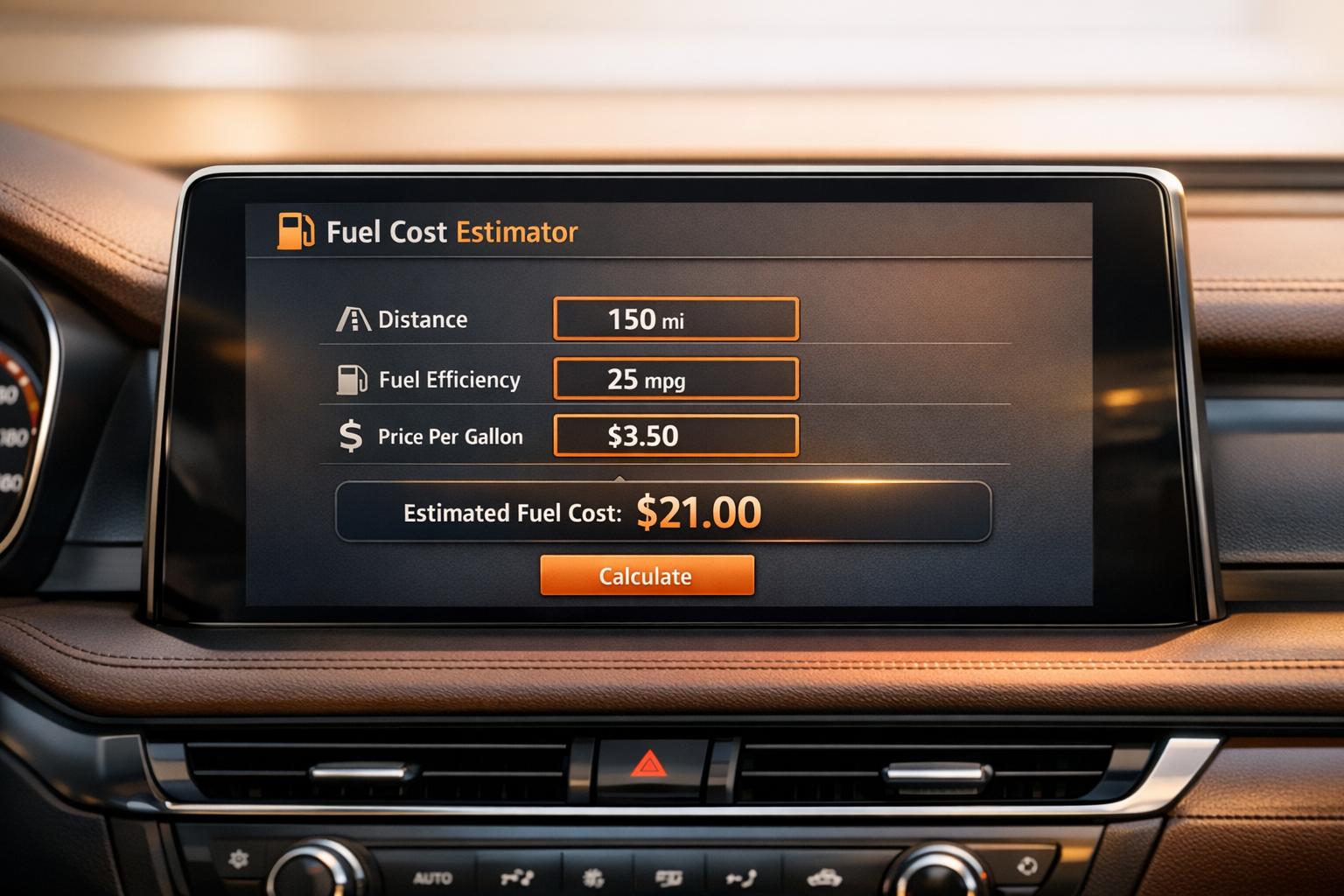
Fuel Cost Estimator
Plan Smarter with a Fuel Cost Estimator
Budgeting for travel can be a hassle, especially when fuel expenses are hard to predict. That’s where a reliable tool for calculating trip fuel costs comes in handy. Whether you’re mapping out a cross-country adventure or just figuring out your daily commute, knowing what you’ll spend at the pump helps you plan with confidence.
Why Estimate Fuel Expenses?
Fuel prices seem to change by the day, and every vehicle sips gas differently. A trip cost calculator lets you input specifics like distance, your car’s efficiency, and local rates to get a tailored breakdown. It’s not just about the total—it’s about understanding how each piece adds up, so there are no surprises on the road. Plus, if your journey has multiple stops, you can account for every leg without breaking a sweat.
Beyond the Basics
This kind of tool isn’t just for one-off trips. Use it regularly to track commuting expenses or compare costs across different vehicles. With a clear picture of what driving really costs, you’re better equipped to save money or choose more efficient routes. Take control of your travel budget today!
FAQs
How accurate is this Fuel Cost Estimator?
This tool provides a solid estimate based on the data you input, like distance, fuel efficiency, and current prices. Keep in mind, though, that real-world factors—think traffic, driving habits, or fluctuating gas prices—can affect the actual cost. We’ve added a disclaimer to remind you that results are approximate, so use them as a guide while planning.
Can I calculate fuel costs for a trip with multiple stops?
Absolutely! We’ve built in an option to add multiple legs or stops to your journey. Just input the distance for each segment, and the tool will tally up the cumulative fuel needed and total cost. It’s perfect for complex road trips or delivery routes where you’re not just going from point A to B.
What if I enter incorrect or invalid data?
No worries—we’ve got error handling in place. If you accidentally input something like a negative distance or a fuel efficiency of zero, the tool will catch it and show a friendly message explaining what went wrong. We’ll guide you to fix the input so you can get your estimate without frustration.