Mobile OCR for VIN Decoding: Key Features to Look For

Mobile OCR for VIN Decoding: Key Features to Look For
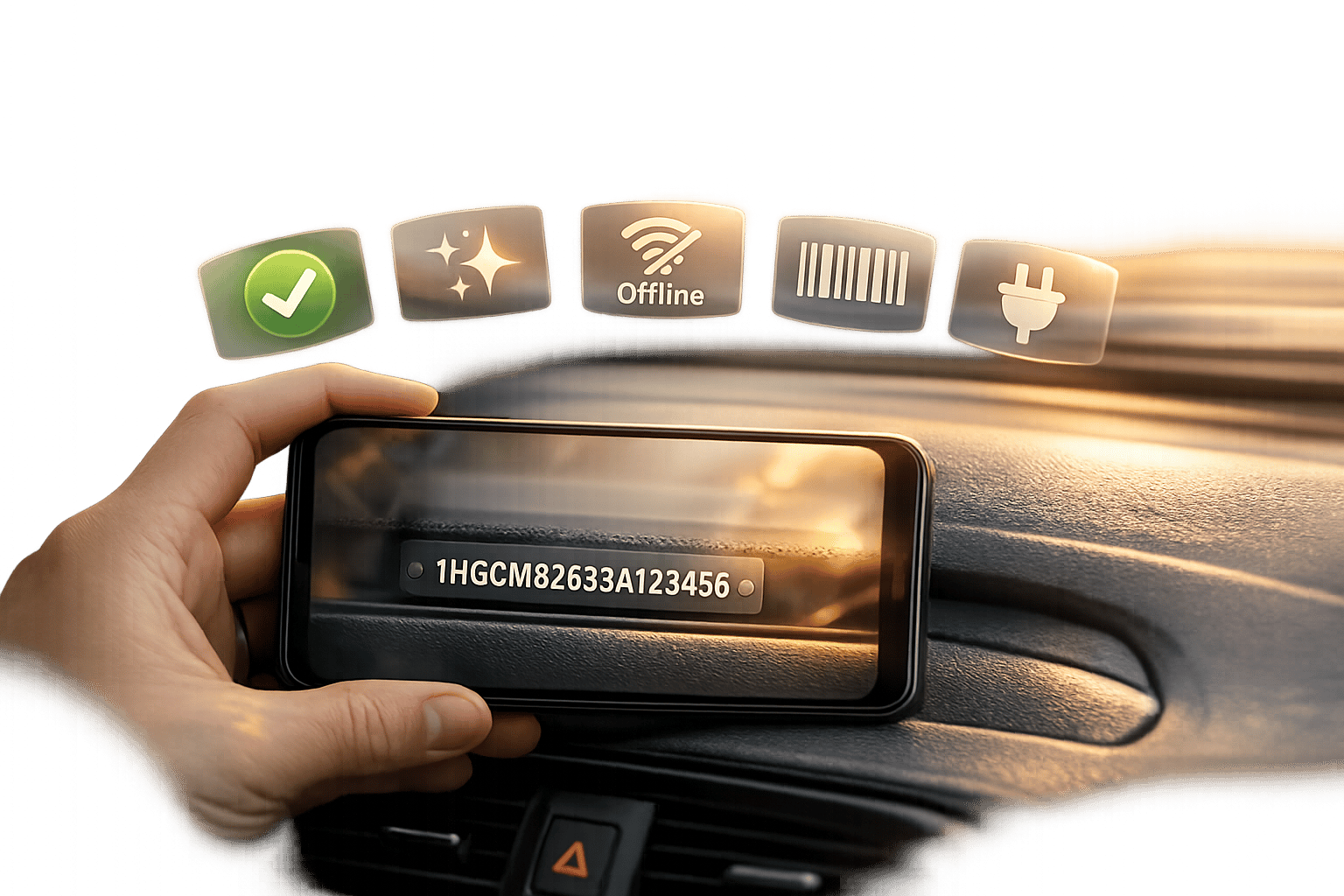
Mobile OCR for VIN decoding simplifies vehicle data extraction by converting a vehicle’s 17-character identification number (VIN) into digital format using a smartphone camera. This process is essential for industries like automotive sales, insurance, and fleet management, where efficiency and accuracy are critical. Here’s what you need to know:
- How It Works: OCR extracts the VIN from an image and sends it to a decoding API, which translates it into structured vehicle details (e.g., make, model, year).
- Key Features:
- Validation: Ensures VIN compliance with ISO 3779 standards, including check digit verification to catch errors.
- Image Processing: Handles glare, shadows, and difficult fonts (e.g., dot-matrix).
- Offline Capability: Processes data locally for speed and security in areas without reliable internet.
- Accuracy: High precision (up to 99.8%) with error-handling mechanisms like confidence scores and auto-correction.
- Hybrid Methods: Combines barcode scanning and OCR for better reliability in challenging conditions.
- Applications: Streamlines workflows in vehicle check-ins, appraisals, claims, and inventory management.
Why It Matters: By pairing OCR with a VIN decoding API, businesses can save time, reduce errors, and gain immediate access to detailed vehicle information. This technology is especially useful in environments with poor lighting, damaged barcodes, or limited connectivity.
Core Requirements for VIN OCR
VIN Format Validation and Compliance
A 17-character VIN follows the ISO 3779 standard, which splits the sequence into three sections: the World Manufacturer Identifier (digits 1–3), the Vehicle Descriptor Section (digits 4–9), and the Vehicle Identifier Section (digits 10–17). Ignoring this structure can lead to data errors.
Two key validation steps are essential for accuracy. First, the OCR engine must exclude illegal characters - the letters I, O, and Q are never used in VINs. Second, it must perform check digit verification on the 9th character.
"Digit 9 is a special check digit used to detect fraudulent VINs, and is compulsory for vehicles sold in the US." - Scanbot SDK [1]
Local checksum verification is especially useful because it identifies errors instantly, prompting a rescan without relying on a server [3]. These validation steps are critical before tackling issues related to image capture.
Image Capture Under Difficult Conditions
VIN scanning often happens in less-than-ideal conditions. The VIN might be stamped on a grimy engine block, etched onto a B-pillar sticker, or viewed through a windshield with glare. Standard OCR tools like iOS Vision or Android ML Kit often struggle in these scenarios.
Specialized OCR solutions address these challenges with pre-processing algorithms. These include glare removal, contrast adjustments, and shadow filtering to clean up images before recognition. They also handle dot-matrix fonts more effectively, which are often misread by generic models [4]. A helpful tip: configure the app to automatically activate the device’s torch in low-light conditions, as VIN plates are frequently found in shaded areas like door jambs or under the hood [3].
"VIN barcodes on door jambs frequently degrade, making OCR the only viable fallback." - StructOCR [4]
On-Device Speed and Offline Support
Many automotive environments - like rural garages, underground parking, or remote auction lots - lack reliable internet connectivity. Relying on cloud-based OCR can disrupt workflows and force manual data entry.
On-device OCR processes the entire recognition pipeline locally, delivering results in under a second [2]. This approach not only ensures speed but also keeps sensitive vehicle data secure, helping meet compliance requirements [7].
"All scanned data is processed and stored completely offline. This means that sensitive vehicle information remains safely within your closed system – away from any third-party cloud servers – and helps ensure GDPR compliance." - Camila Kohles, Senior Content & Social Strategy Manager, Anyline [7]
For developers working in environments with unpredictable connectivity, on-device processing isn’t optional - it’s essential. It ensures smooth operation in scenarios where internet access is unreliable.
sbb-itb-9525efd
How to read a VIN with our AI-powered OCR
Technical Features to Evaluate in VIN OCR
VIN Capture Methods Compared: Barcode vs OCR vs License Plate Recognition
Accuracy Standards and Error Handling
Speed means nothing if the data isn't accurate. Even the best OCR engines, with claimed accuracy rates of 98–99%, can still misread one out of every 50 scans [3]. Some specialized providers, however, report higher rates, reaching up to 99.8% when working with verified vehicle data [8].
"Even the best OCR engines achieve 98-99% accuracy. That sounds good, but it means 1 in 50 scans has a typo." - CarDatabases Team [3]
This "1 in 50" issue highlights the importance of robust error handling. A reliable OCR engine should incorporate context-aware character logic, specifically trained using standards like ISO 3779. This ensures, for example, that an invalid character like 'O' doesn't mistakenly appear in a valid VIN [4]. Additionally, the OCR API should offer confidence scores (ranging from 0 to 1) for each scan. These scores allow the system to flag uncertain results, prompting actions like rescans or presenting alternative character suggestions instead of passing incorrect data downstream. Such measures are critical for ensuring that mobile OCR solutions can reliably support automotive workflows.
Barcode Scanning and License Plate Recognition
Error handling becomes even more effective when combined with multi-method capture strategies. A robust mobile OCR solution shouldn't rely solely on one method. Many automotive apps employ a hybrid approach: they attempt a barcode scan first (using formats like Code 39 or Data Matrix) and fall back on OCR if the barcode is damaged or unreadable [4].
"To guarantee a frictionless user experience, your app must be able to read what the human eye sees: the actual alphanumeric text." - StructOCR [4]
For a smooth user experience, the app must accurately capture alphanumeric text. Barcodes provide perfect accuracy when the label is intact, though they require physical access to the driver's side door jamb. OCR, on the other hand, can decode VINs from windshields or metal-stamped chassis when barcodes aren't an option [3][4]. The table below outlines when each method works best:
Method Accuracy Best Use Case Key Weakness Barcode (Code 39 / Data Matrix) 100% Intact door jamb sticker, open vehicle Fails if sticker is scratched or faded VIN OCR 98%–99.8% Windshield scan, stamped chassis Sensitive to glare and dirt License Plate Recognition (LPR) High Remote identification, no door access needed Subject to privacy regulations (CCPA)
License Plate Recognition (LPR) adds another layer of redundancy. For instance, CarsXE provides a Plate Image Recognition API that can identify license plates from photos and a Plate Decoder for retrieving full vehicle details. This allows cross-verification of vehicle identity, even when the VIN isn't accessible [9].
Cross-Platform SDK and API Integration
To streamline development, ensure the SDK works across iOS, Android, and frameworks like React Native or Flutter. General-purpose libraries such as Apple Vision and Android ML Kit are free and easy to use but often lack training on the specialized fonts used in dot-matrix chassis stamps. This can cause them to underperform in critical automotive scenarios [3].
On the API side, look for RESTful endpoints capable of handling both image URLs and base64-encoded strings. These should return structured JSON data, including confidence scores and bounding box coordinates [6]. CarsXE's VIN OCR API, for example, follows this approach, making it easy to integrate with existing mobile backends. Once the OCR extracts and validates the VIN, a single call to CarsXE's VIN Decoder can retrieve full vehicle specifications. This seamless workflow transforms a camera scan into actionable data, complementing the accuracy and error-handling strategies discussed earlier.
Testing and Implementation Best Practices
Testing VIN OCR in U.S. Automotive Scenarios
To ensure reliable VIN OCR performance, build a test dataset that includes cars, motorcycles, and trailers. Capture VINs from common locations like the lower windshield, door jamb, and stamped chassis plates. Aim for at least 5,000 photos that simulate real-world conditions such as glare, shadows, dirt, and water stains. These conditions reflect the challenges often encountered in practice. For instance, in November 2021, Mindee developers Nicolas Schuhl and Jonathan Grandperrin fine-tuned their docTR models using a dataset of 5,000 real-world VIN photos. By filtering out skewed shots exceeding 5° and focusing on environmental noise like water stains and shadows, they achieved an impressive 90% end-to-end exact match rate on their test set [10].
"A typical VIN contains 17 characters, and it's enough to miss one of them to classify the prediction as wrong." - Grape Up [5]
As part of the testing process, validate the 9th-digit checksum locally before making any API calls. If the checksum fails, prompt the user to rescan immediately [3].
Building an End-to-End VIN Capture and Decoding Workflow
Leverage your testing insights to design a seamless VIN capture and validation workflow. Begin by attempting a barcode scan, and if the barcode is damaged or inaccessible, switch to OCR. Once the VIN is extracted, perform a local checksum validation. Only valid VINs should be sent to a decoding API.
For instance, in 2024, ETE REMAN adopted the Scanbot VIN Scanner SDK. This integration allowed them to instantly retrieve pricing and delivery data, eliminating the need for manual data entry [1].
Tools like CarsXE simplify this process. After OCR extracts and validates the VIN, a single call to the VIN Decoder API provides detailed vehicle specifications in structured JSON format. You can also use additional endpoints - such as Market Value, Vehicle History, and Recalls - to build a complete vehicle profile without requiring further user input [6][9].
Scaling, Monitoring, and Cost Management
Once your workflow is operational, shift your focus to scaling and optimizing costs. Track key metrics like Scan Success Rate, Character Recognition Rate (CER), and manual corrections. A drop of just 5% in CER can push overall VIN accuracy below 75%, as even one incorrect character invalidates the entire 17-digit VIN [5]. Monitoring these metrics by device type and lighting condition can help identify and address performance bottlenecks.
To reduce unnecessary API calls, use local checksum validation to filter out invalid scans. CarsXE offers flexible pricing plans: the Starter plan includes 2,000 calls per month for $49, the Pro plan provides 25,000 calls per month for $249, and the Business plan accommodates custom quotas with volume discounts. By minimizing wasted calls, you can maximize cost efficiency while maintaining a high-quality user experience.
Conclusion: Picking the Right Mobile OCR for VIN Decoding
Selecting the best mobile OCR solution for VIN decoding hinges on meeting a few critical needs. Even with a 98–99% accuracy rate, an OCR engine could still make one mistake every 50 scans[3]. For a 17-character VIN, a single error renders the entire code invalid. That’s why specialized VIN OCR tools with features like checksum validation and auto-correction for common errors are crucial.
Accuracy alone isn’t enough. The solution must perform reliably in various real-world scenarios common in the U.S., such as dealing with windshield glare, shadows in door jambs, stamped plates, and challenging dot-matrix fonts. A hybrid approach that combines barcode scanning with OCR as a backup can make all the difference. As StructOCR explains:
"In the real world, VIN barcodes on door jambs frequently degrade, making OCR the only viable fallback."[4]
This combination ensures a more reliable and complete VIN capture process, even in less-than-ideal conditions.
Beyond handling tough environments, system speed and seamless integration are key. Look for solutions that provide fast processing, support cross-platform SDKs, and offer offline functionality. These features reduce engineering effort and ensure consistent performance, even in areas with spotty internet connectivity.
But remember, the OCR component is just one piece of the puzzle. Pairing a dependable VIN capture tool with a vehicle data API, like CarsXE, turns a raw 17-character VIN into actionable insights. This can include vehicle specs, history, recalls, and market value - all accessible through a single API call. By creating a smooth scan-to-insight workflow, you unlock real operational value and deeper vehicle intelligence.
FAQs
How can I quickly catch a bad VIN scan before decoding it?
To ensure a VIN scan is accurate, implement a local validation gate to verify the input before sending it to your backend. The VIN should be exactly 17 characters long, must exclude invalid characters like I, O, and Q, and needs to pass the checksum algorithm. You can enhance capture quality by incorporating features like a visual guide, automatic flash, and checks for blur or brightness issues. Tools such as CarsXE's VIN OCR API can also help by providing confidence scores to assess the accuracy of the scan.
What should I test to ensure VIN OCR works in real U.S. conditions?
To make sure VIN OCR works well in U.S. conditions, it’s important to test for typical challenges like glare on windshields, reflections, low lighting, dirt, and wear on VIN plates. Also, assess accuracy by scanning VINs from dashboard plates, B-pillar stickers, and official documents. Use ISO 3779 checksum rules to verify the extracted VINs for correctness. For better results, you might want to use the CarsXE API, which provides VIN extraction along with confidence scores to improve data reliability.
When should my app use barcode scanning vs VIN OCR vs license plate recognition?
For a smooth user experience, consider a hybrid strategy based on the specific scenario:
- Barcode scanning: Works well for newer vehicles in controlled environments, such as dealership showrooms, where door jamb stickers are intact, and lighting conditions are favorable.
- VIN OCR: Perfect for reading VINs on windshields, damaged barcodes, or documents that lack barcodes.
- License plate recognition: Handy when the VIN can't be accessed, like with locked vehicles or when VIN plates are obstructed.
Related Blog Posts
- How to Choose an OCR Engine for Vehicle Data
- Study: OCR Accuracy in Vehicle Data Processing
- Top APIs for Automated VIN Data Validation
- Ultimate Guide to OCR Pipeline Monitoring